Manual refund processing doesn't scale. When a store handles 50 returns per month, a support agent can manage each one individually: review the request, check the order, verify the return reason, approve or deny, and process the refund. At 500 returns per month, that same process requires a team. At 5,000, it requires an operation.
Refund automation tools eliminate the repetitive work. They apply rules consistently, process approvals instantly, and free support teams to handle exceptions rather than routine requests. The result is faster refunds for customers, lower operational costs for the brand, and fewer errors across the board.
This guide compares the leading refund automation tools for ecommerce, covering features, pricing models, and use cases to help brands choose the right solution.
What Refund Automation Tools Do
At their core, refund automation tools handle the end-to-end return and refund workflow:
- Return initiation: Customer submits a return request through a self-service portal
- Validation: The system checks eligibility (return window, product condition, policy rules)
- Evidence collection: Photos, videos, or descriptions of the issue
- Decision: Automated approval, denial, or escalation based on rules
- Resolution: Refund, store credit, or exchange processing
- Logistics: Return label generation and shipment tracking
- Analytics: Return reason data, cost tracking, and trend reporting
The best tools handle all seven steps without human intervention for straightforward cases, while routing complex situations to the right team member.

Key Features to Evaluate
Self-Service Portal
A branded portal where customers initiate returns without contacting support. Should include order lookup, reason selection, photo upload, and resolution options.
Rule-Based Automation
Configurable rules that determine how returns are handled: auto-approve returns under $30, require photos for "defective" claims, offer store credit with bonus for "changed mind" returns.
AI-Powered Decision Making
Advanced tools use AI to assess product images, detect return fraud, and recommend resolutions based on historical patterns.
Exchange Management
The ability to offer exchanges as an alternative to refunds, including variant swaps (size, color) and cross-product exchanges.
Warranty and Claims Processing
For brands selling products with warranties, the tool should track warranty periods, manage warranty claims, and connect claims to specific products and suppliers.
Supplier Recovery
Automated supplier chargebacks for defective products. The tool should generate claims with evidence (photos, customer reports) and track recovery status.
Platform Integrations
Direct connections to Shopify, WooCommerce, BigCommerce, Magento, and other ecommerce platforms. Also helpdesk integrations (Zendesk, Gorgias, Freshdesk) and shipping carrier integrations.
Analytics and Reporting
Return rate by product, category, and reason. Cost per return. Resolution time. Customer satisfaction scores. Supplier defect rates.
Top Refund Automation Tools Compared
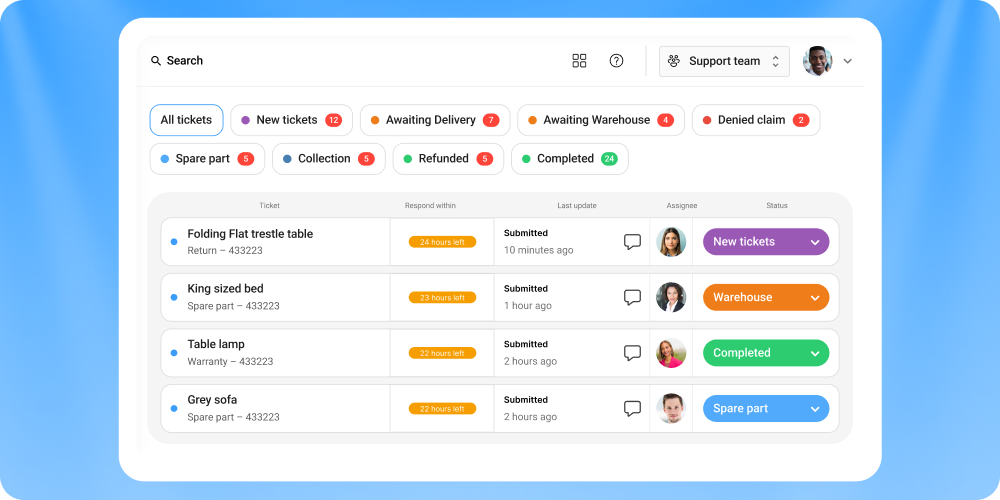
1. Claimlane
Best for: Brands that need returns, warranty, and supplier management in one platform
Claimlane is a returns and claims management platform built for ecommerce brands that handle both returns and warranty claims. It covers the full post-purchase lifecycle from customer claim to supplier recovery.
Key features:
- Self-service claims portal with photo/video upload
- AI Agent that analyzes product images, applies warranty rules, and recommends resolutions
- Automated workflows for returns, exchanges, and warranty claims
- Supplier claim management and chargeback automation
- Analytics dashboard with defect tracking per product and supplier
- Integrations with Shopify, WooCommerce, Zendesk, and more
Claimlane is rated 4.8/5 on G2 (read reviews).
What sets it apart: Claimlane connects customer-facing returns with backend supplier recovery. When a customer reports a defective product, the system creates a supplier claim with evidence automatically. MaxGaming reduced RMA resolution time by 77% using Claimlane's AI-powered workflow.
Best for industries: Electronics, furniture, sporting goods, and any brand with supplier warranty obligations.
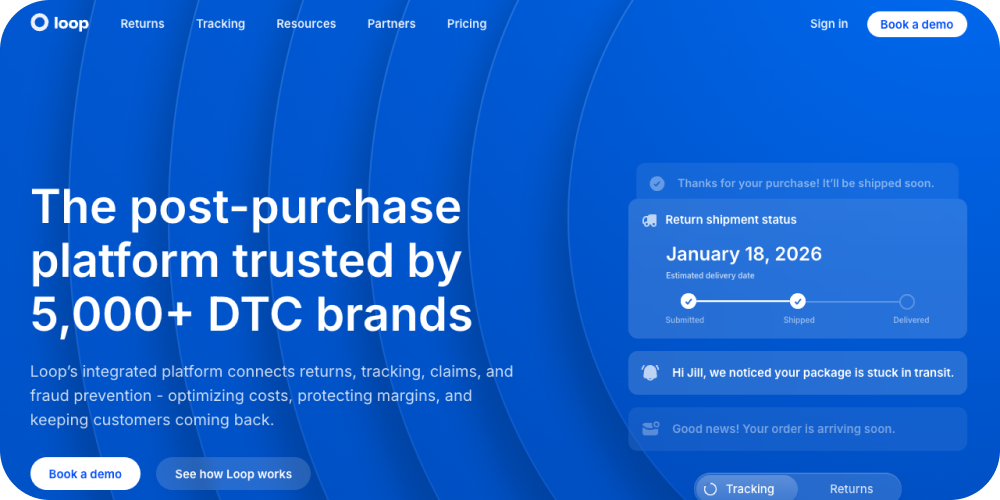
2. Loop Returns
Best for: Shopify brands focused on converting refunds to exchanges
Loop is a Shopify-focused returns platform that emphasizes exchange-first flows. Its primary value proposition is revenue retention: converting refund requests into exchanges or store credit.
Key features:
- Branded returns portal
- Exchange-first interface (shows exchange options before refund)
- Instant exchange processing (ships replacement before return arrives)
- Bonus credit incentives for choosing store credit
- Shopify-native integration
Limitations: Primarily Shopify-only. Limited warranty management. No supplier recovery features.

3. Returnly (now Affirm Returns)
Best for: Brands offering instant refunds before return receipt
Returnly's differentiator is instant refunds: customers get their money back immediately when initiating a return, before shipping the item back. This improves customer experience but requires the brand to absorb the risk.
Key features:
- Instant refund capability
- Green returns (keep the item for low-value returns)
- Return analytics
- Shopify integration
Limitations: Higher financial risk for brands. Limited automation beyond the refund itself.
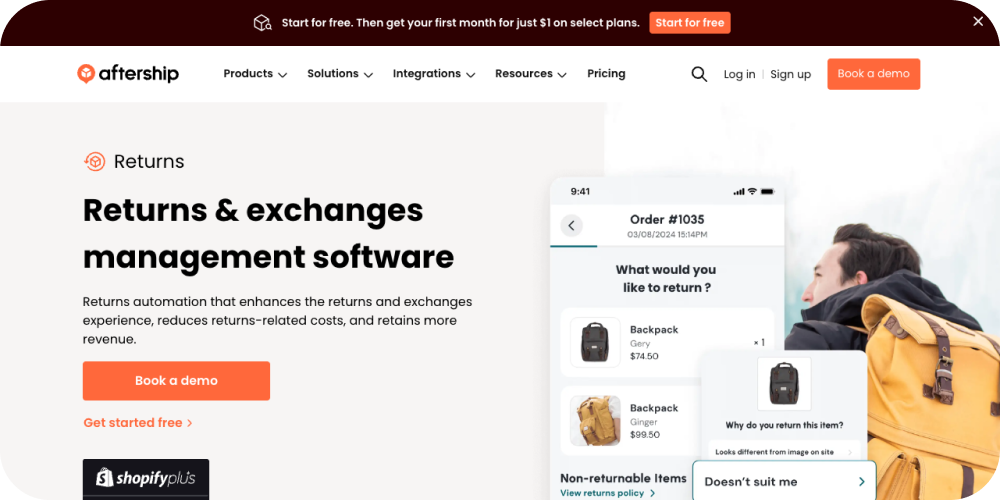
4. AfterShip Returns
Best for: Multi-carrier brands needing return shipment tracking
AfterShip is primarily a shipment tracking platform that expanded into returns. Strong logistics integration but lighter on claims management.
Key features:
- Multi-carrier return label generation
- Return shipment tracking with customer notifications
- Basic automation rules
- Branded tracking pages
- Wide platform compatibility
Limitations: Less depth in warranty management, AI assessment, and supplier recovery.
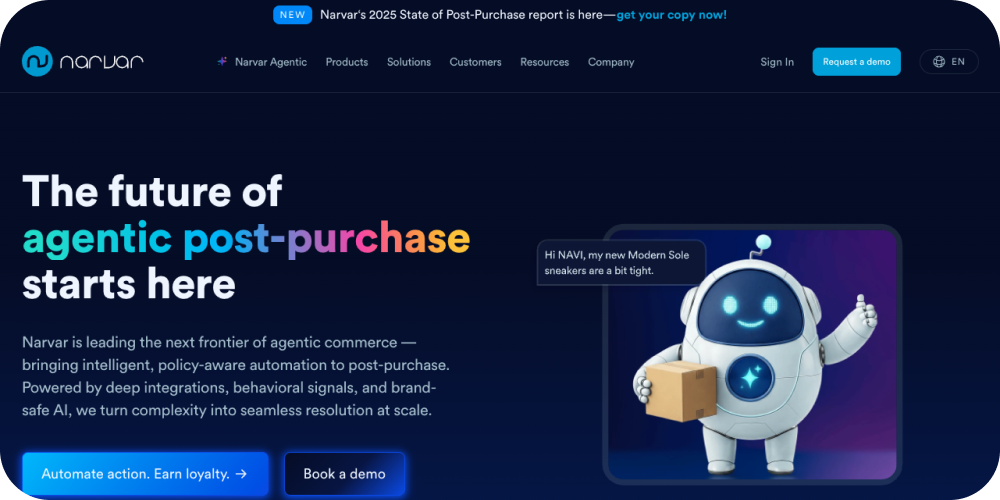
5. Narvar
Best for: Enterprise brands with complex post-purchase needs
Narvar covers the full post-purchase experience: order tracking, delivery notifications, and returns. It's positioned for large enterprise retailers.
Key features:
- Branded post-purchase experience
- Return initiation and processing
- Carrier integration and label generation
- Drop-off location network
- Enterprise analytics
Limitations: Enterprise pricing. Complex implementation. May be overkill for mid-market brands.
6. Happy Returns (PayPal)
Best for: Brands wanting physical drop-off return options
Happy Returns operates a network of physical "Return Bars" where customers can drop off returns without packaging or labels. Acquired by PayPal.
Key features:
- Physical drop-off network (5,000+ locations)
- Box-free, label-free returns
- Aggregated return shipping (lower per-item cost)
- Software platform for online returns
Limitations: U.S.-focused drop-off network. Less automation on the digital side.
Feature Comparison
How to Choose the Right Tool

Start with the Use Case
- Returns only (fashion, general merchandise): Loop or AfterShip
- Returns + warranties (electronics, furniture, sporting goods): Claimlane
- Enterprise post-purchase experience: Narvar
- Physical drop-off priority: Happy Returns
Consider the Tech Stack
Check platform compatibility. Shopify-only brands have the most options. WooCommerce, BigCommerce, and Magento merchants should verify integration depth before committing.
Evaluate Total Cost
Pricing models vary: per-return, per-month flat rate, or percentage of return value. Calculate the total cost at current volume and projected 12-month growth.
Test the Customer Experience
Submit a test return through each tool's demo portal. The customer-facing experience matters as much as the backend features.
Setting Up Refund Automation
Step 1: Map the Current Process
Document every step in the existing return workflow: who does what, how long each step takes, and where errors occur.
Step 2: Define Rules
Create decision rules for common scenarios:
- Auto-approve returns within policy window under $X value
- Require photos for "defective" and "damaged" claims
- Offer store credit with 10% bonus before showing refund option
- Escalate returns over $X value to a manager
- Flag accounts with more than Y returns in Z days
Step 3: Configure the Portal
Set up the self-service portal with brand colors, return reason categories, and resolution options. Test with real orders.
Step 4: Train the Team
Support agents need to know when and how to intervene in automated flows. Define escalation paths and response templates.
Step 5: Monitor and Optimize
Track automation rates (percentage of returns handled without human intervention), resolution times, customer satisfaction, and return costs. Adjust rules quarterly.
.webp)