
If you work in customer service or operations, you know how many customer emails come down to one line: “What’s the status of my warranty claim?”
It’s a simple question, but it creates a massive drain on time and resources. Agents spend a lot of their time on repetitive status updates instead of solving other, more important, tickets. Customers, on the other hand, feel ignored when they don’t hear anything and lose confidence in your brand.
Instead of waiting for customers to reach out, notify them automatically when something important happens in their claim or return process.
The 5 touchpoints where customers expect an update
There are a few key events where silence makes customers nervous, and an update can prevent a further email from their side.
Communication gaps are especially costly on complex cases. Learn how better processes can end delays for complex warranty claims and keep everyone in the loop.
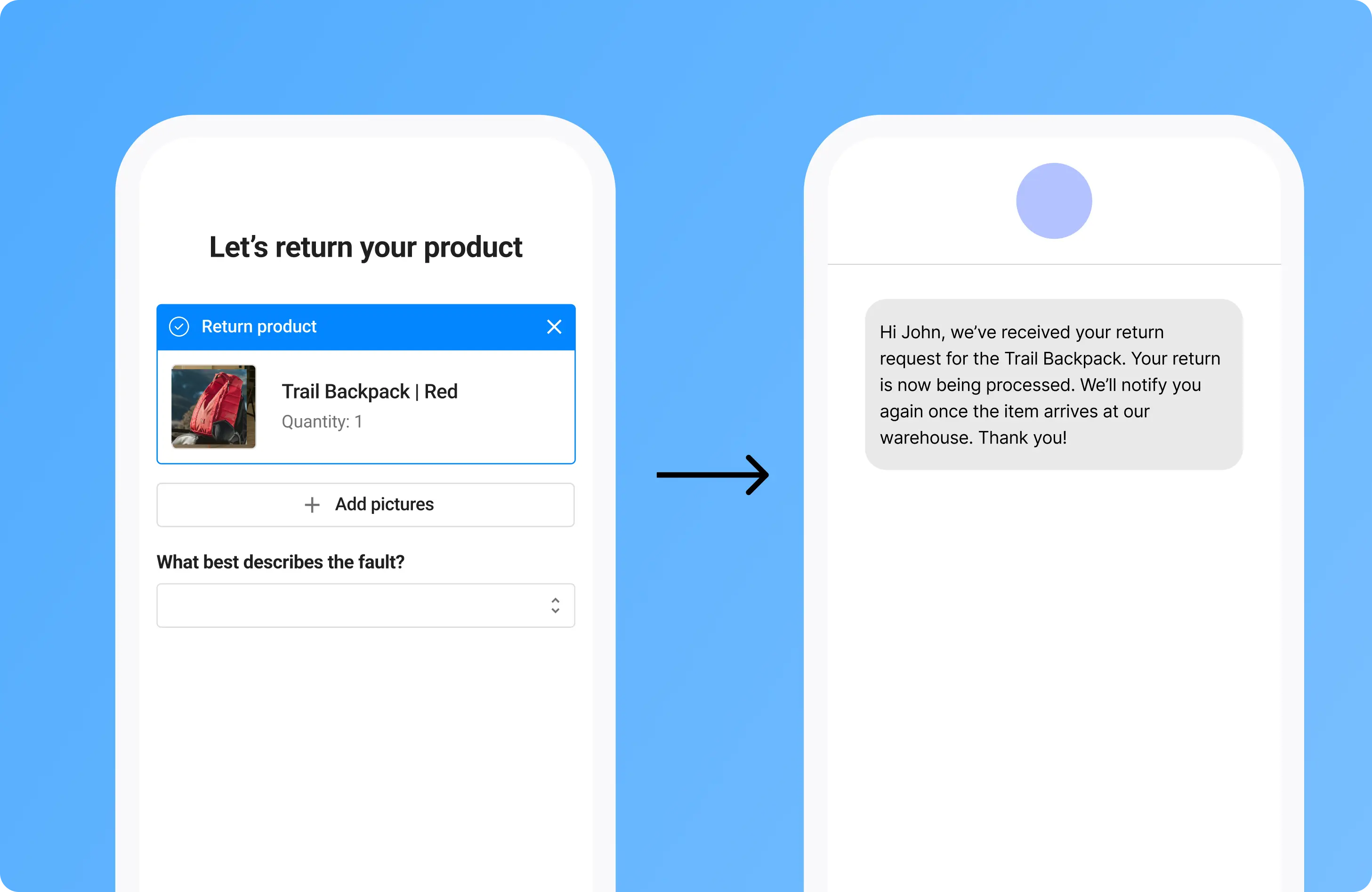
Different outcomes require different messaging, a refund or store credit decision, for example, each trigger slightly different expectations. Communication gaps are especially costly on complex cases. Learn how better processes can end delays for complex warranty claims and keep everyone in the loop.
How to make updates clear and useful
Every message should answer these:
Add small personal details, product name, order number, claim ID, so it doesn’t feel generic.
Channel matters too:
- Email is fine for most updates.
- Use SMS for urgent requests (like missing info).
- Keep a full history in your returns portal so customers always know where to check.
Younger customers expect instant, transparent communication. Here's how to set up your customer service for Gen Z customers and meet their expectations.
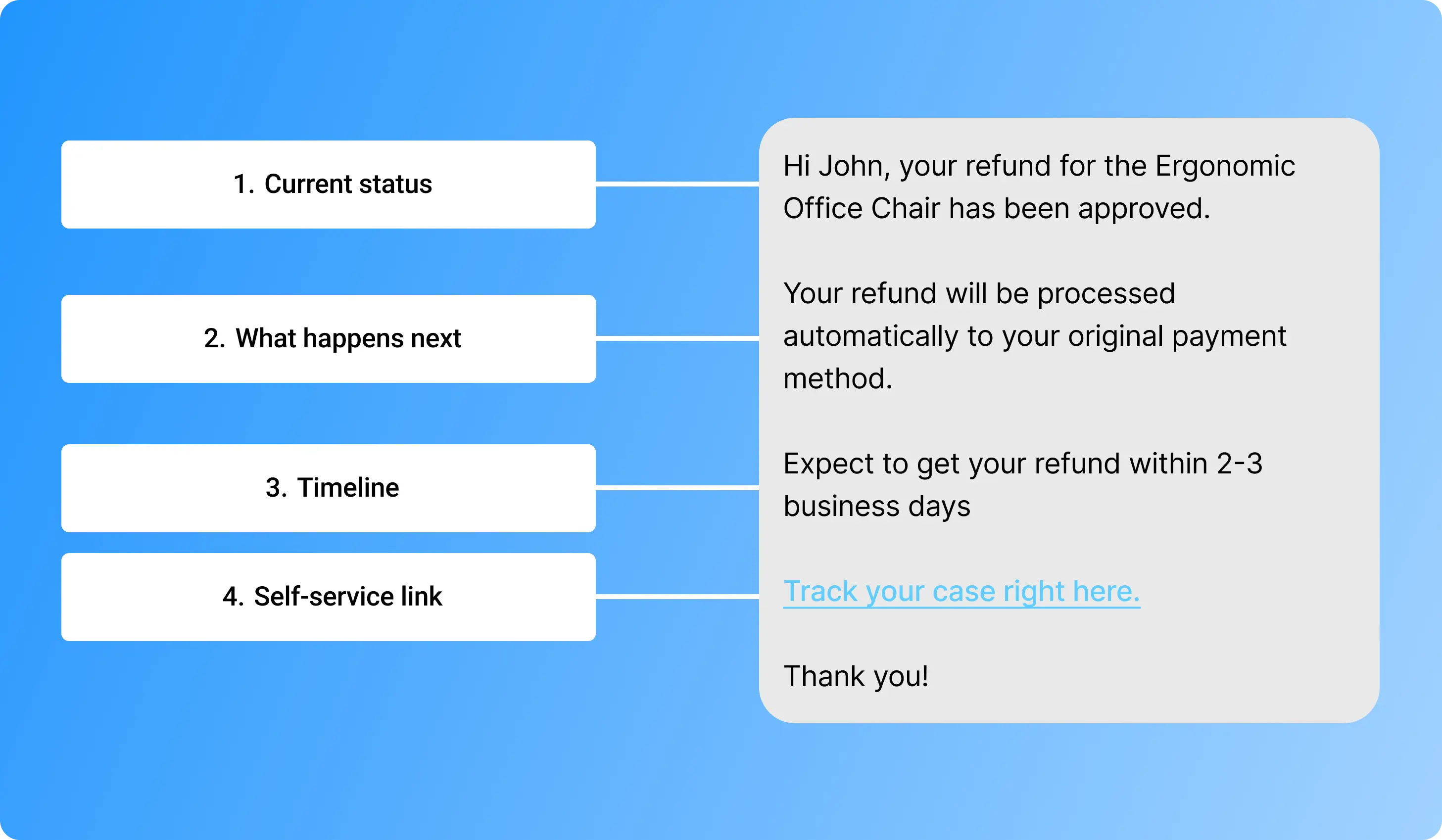
Why proactive updates matter
When your process is proactive instead of reactive, three things change at the same time:
Updating your customers regularly builds trust in your brand. Instead of sending manual updates, you can set up automatic status emails that keep customers informed at every step without any extra work from your team.
Where Claimlane can help
Setting up these notifications either requires messy workarounds with tools such as Zapier or they are done manually. With Claimlane’s Returns Management System, updates are triggered automatically at each step of the journey. Customers know what’s happening. Your team spends less time on repetitive emails. Everyone is happy.